What does Collate mean when printing? - 2026
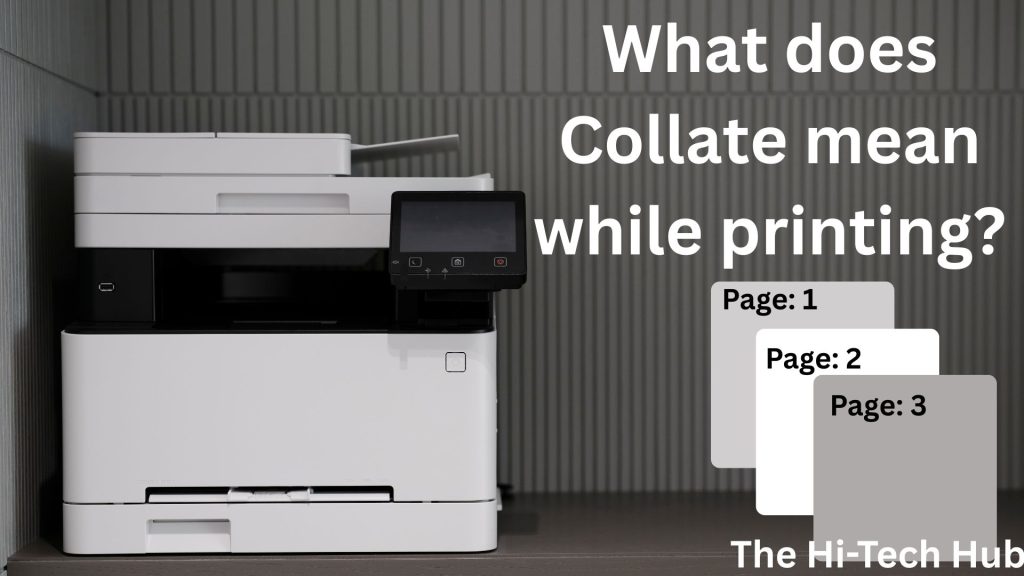
If you want to know what collate means when printing, you are at right place. If you have ever printed many documents, then you have noticed a check box for “Collage”. Probably you havethoughtth about for what reason it is here and what the purpose of this checkbox is. Many beginners don’t know this option, so they thought about: what does collate mean while printing?
In simple word it means printing many documents in an arranged way, so it is already sorted, and we do not have to sort it again. Instead of printing all documents at once and rearranging them one by one, this method of collate does all things once. If you want to know all these things in berief so you can read this blog, you have all the knowledge about this thing. You can go to the Canon website for detailed information: Canon
In simple Definition: What does collate mean when printing.
Collating is used for sorting many documents, which are going to print and we have to sort them. If we want the documents in a sorted way lilke this (1,2,3-1,2,3-1,2,3….) and not like this (1111….,2222…..,33333). In the first method, the data are already sorted, and we only have to differ it. In the second method, we have to soften the whole thing and then differentiate.
Real Life Example:
Imagine you have 3 pages in a document with some data. In this example, you have data like (1, 2, 3), and we have to print the data three times. We have two options for printing these documents. The first option is “Not Collate,” and the other is “Collage”.
If Collate is On:
Copy 1 : Page 1 → Page 2 → Page 3
Copy 2 : Page 1 → Page 2 → Page 3
Copy 2 : Page 1 → Page 2 → Page 3
If Collate is Off:
Page 1 → Page 1 → Page 1
Page 2 → Page 2 → Page 2
Page 3 → Page 3 → Page 3
Collating V/S Not Collating Data:
| Feature | Collated Printing | Uncollated Printing |
|---|---|---|
| Page order | Correct sequence | Same pages grouped |
| Best for | Reports, assignments | Flyers, single pages |
| Manual sorting | Not required | Required |
| Professional use | Yes | Limited |
This chart will help people know in which cases we have to collate and in whichcases we do not have to collate data. If you choose the option according to the chart, it will help you a lot.

Why printer have this option "Collate":
Printer uses this option for:
- Saving more time.
- Solving the page mixing issue.
- It help document look more professional in management.
- Make it easy to stamp papers.
Collate printing is usually used in:
Schools and colleges
Offices
Legal documents
Project reports
Business presentations
If you want to know more about this contenet you can visit this site: The Hi-Tech Hub.

How to turn on or off Collate:
1. On Windows:
- Press Ctrl + P.
Click the option ‘Printer Properties’
Find the settings ‘Collate’.
Check it to turn ON or uncheck to turn OFF
2. Mac-OS:
Click File → Print
Open Copies & Pages
Enable or disable Collated.
This will make your computer use the collate option or not use it.
Does Collate Affect printing speed:
Yes, it affects printing speed because computers have to compute data. It will be a bit slower only when we are printing heavy and hundeds or thousands of copies. But in a home or in small quantities, it is unnoticeable
Collting Does not Mean:
- Use More ink compared to normal.
- Does not affect printing quality.
- Affect color or resolution.
When should we collate ?
We should use collate in this situation:
Printing multi-page documents at once with proper management.
Printing more than one copy for a long time.
Submitting assignments with proper documentation.
Printing reports or manuals in more than one copy.
When we should not use Collate ?
We should not use collate in this situation:
Printing a single page
Printing bulk flyers
Printing identical sheets

Common Mistakes which Beginner do:
These are the top mistakes that most of beginner do, so be aware of these mistakes.
- Turning Collate for a single document.
- Confusing collate with oning duplex printing, which printsdouble-sidede printing.
- Thinking collate affects in ink usage.
- Ignoring the printing settings before printing.
Understanding these will make you do the least such kind of activities.
What does collate mean on a printer?
If you want to know what collating means when printing, it is the way to print the documents in an organized way, so we do not have to give much time forsorting.
Should collate be on or off?
For this reason, it has two answers: either yes or no. It depends upon which type of document you are printing for this information in detail, you can scroll up, and then you will gonna find the data.
Is collate the same as duplex printing?
No, Collate is the process or orgamizing data in an organized and sorted way, whereas duplex printing is the way of printing paper on both sides.
Does collating use more ink?
No, it uses the same quantity of ink as normal, but it takes a bit of time when you are printing a very large number of documents.
Final Thoughts:
Now you clearly understand what collating means when printing. In simple words, again, it is the way of printing the documents in an organized and sorted way. There are various reasons for which we have to use collation or not. The places are given above.
If you want to learn more about these types of contenet then you can visit our website: The Hi-Tech Hub.
Table of Contents
Toggle