How to make your computer faster - Best guide in 2026

Introduction:
If you want to learn how to make your computer faster, then in this blog, your problem is going to be 100% solved. Slow computer can be frustrating and give a bad experience, which decreases our productivity, and we do not like to spend time using our computer. The good news is that you don’t have to get a new pc if your pc is not much older yet.
In this latest 2026 guide, you will make your computer 200% faster. If you do all these things below. This guide is for Windows users in Desktop or any other device. These tips are for mid-range computer users. If your computer is for gaming, then you can visit our blog, How to make your Gaming computer faster.

Why is your computer slow?
There are thousands of reasons for making your computer slower. Some of these reasons make your computer much slower than others. Most of the reasons that make your computer much slower are as follows, with a little explanation:
- Too many startup apps – It starts when you turn on your computer.
- Low RAM or old hardware – If your computer has low RAM or older Hardware it will be slower.
- Full or Failing hard drive – If your computer’s hard disk or hard drive is getting full or it is failling then it is also one reason.
- Virus or Malware – If your computer has any virus or Malware then it will make your computer slower.
- Outdated Software and Drivers – If your computer uses old software and oudated or old driver, it will make your computer slower.
- Poor system maintenance – If your computer has poor maintenance in both hardware and software.
How to make your computer Faster - Easy methods.
1. Restart your computer regularly:
Restarting your computer sounds simple and not much efficient way, but trust me, it is one of the better ways to make your computer instant faster. If you want more about Restarting you can visit Microsoft Windows.
1. Restarting your computer clears these things:
- Temporary files that are fstored onyour computer.
- Backgrounds app running and eating things.
- Memory Usuage which is being occupied by random things.
If your computer has not been restarted for more than 2-5 days, then you should restart it. The best way is to restart your computer in 2-3 days.
2. Disable Startup Programs:
It is the No.1 way to make your computer faster. When you open your computer, the startup program takes some time to load your computer. If you disable these apps that are not necessary for you, then it will increase your computer time.
How to disable Startup Apps:
- Press Ctrl + Shift + ESC.
- There, you will see the Startup tab open it.
- Disable unnecessary apps by right-clicking them and pressing Disable.
2. You can Disable apps like:
Game launchers
Chat apps
Auto-updaters
This alone change can make your computer 20-50% faster, so don’t forget to do this method.
3. Uninstall Unused Apps:

This is also a very useful, better, and simpler way to make your computer faster. Many people do not delete their unused apps, which slowly makes their computer slower.
1. Common Mistakes while Deleting an App:
Many people on Windows select the app, right-click the app, and then delete it. It is not going to make your computer slower because your game or app is not uninstalled.
2. How to permanantly delate apps:
- Go to settings.
- After then go to Apps.
- You can see all apps.
- Click uninstall it.
This is the right way of uninstalling it. For permanently deleting it after some days or time, it will be automatically deleted.
4. Clean Temporary Files and Junk Data:
For a long time, your computer’s Windows stores unused and junk files in your computer. If you delete these files, it will make your computer free from it. To get rid of it, you can do it by windows built in disk cleaner by following these steps:
How to delete Temp Files & Junk Data:
- Search for Disk Cleaner.
- Select ‘C:’ Drive.
- Check all safe options.
- Click ‘ Clean system files’.
You can also do this things for all of the drives you have but best option is for C drive.
5. Upgrade from HDD to SSD (Best Upgrade Ever):
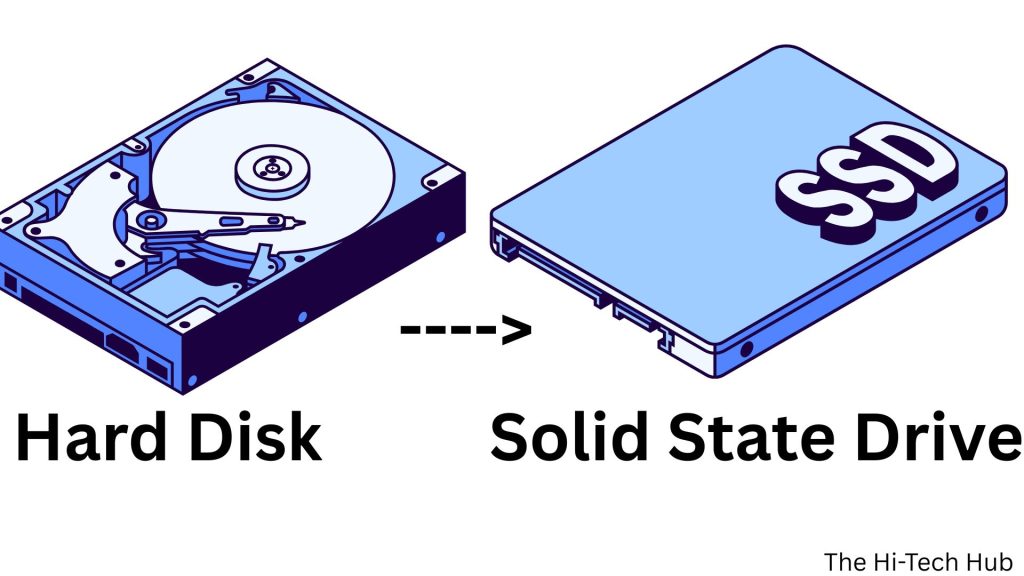
If your computer is older and if it also uses a hard disk drive (HDD) then it is the main reason for your slow computer. SSD is expensive, but in this your speed will increase 4x, and your data will be more secure. Upgrading to a Solid State Drive is the fastest way to make your computer faster changin hardware.
Benefits of SSD:
- Boot time changes from 1-2 Minutes to 10-20 Seconds.
- Apps open instantly and faster performance.
- Faster file transfter because of fast read and write speed.
Even you use less storage or SSD of having 256GB will transform your whole computer performance.
6. Add more RAM (Increase Memory):
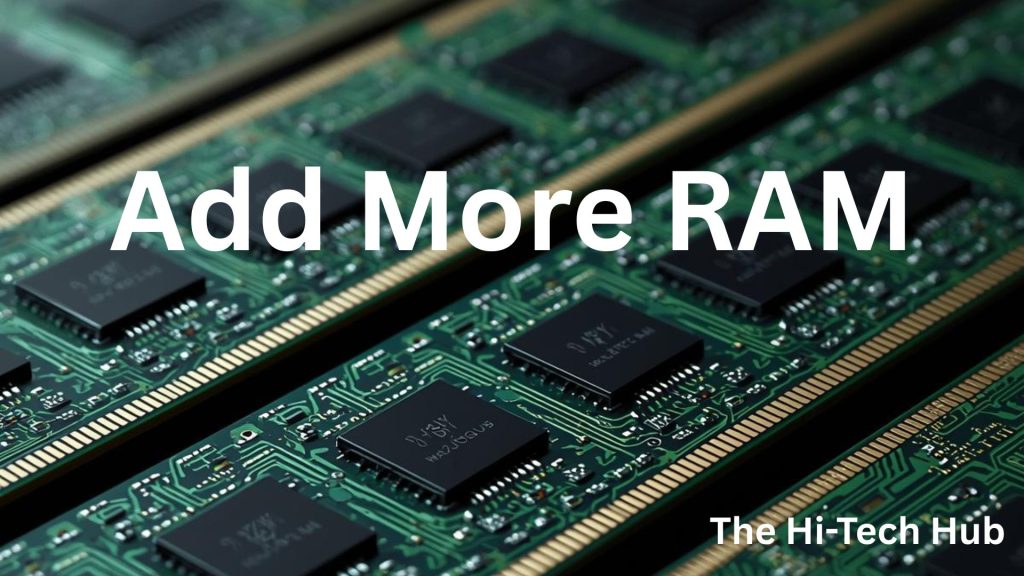
If your computer has 2 or 4 GB of RAM, you can still upgrade. If your computer has 2GB of RAM, you can upgrade to 4GB, which is 2X faster. If you have 4GB of RAM, then the best way is to make it 8GB of RAM.
1. Improving Memory improves:
- Much faster multitasking.
- Increases Browsing performance and tab loads faster with more quantity.
- Make gaming and editing much faster.
2. How to check RAM (Memory):
- Press Control + Sift + ESC
- Go to performance.
- Then go to Menory and there you will see your memory.
If your RAM usage is more than 80%, then it means that you need to add more RAM to your computer.
7. Scan for Virus or Malware
If your computer is being caught by a virus or Malware then it will use your computer’s resources and make it slow. To be aware of it, do these tasks.
Use Windows Security:
- Open Windows Security.
- Click Virus & threat protection.
- Run “Full Scan”.
Avoid installing multiple antivirus programs because it will make your computer slower.
8. Update Windows and Drivers:
When you update your computer, it will make it faster, and it does many things.
1. Updating Windows fixes:
- Performance bugs.
- Security Issues.
- Hardware compatibility issues.
- Latest drivers.
- Updated graphic and functions.
- Update Network Drivers.
2. How to Update Windows:
- Go to Settings.
- Then search for Windows Update
- Then click install all updat.es
Don’t forget to check from time to time about windows update. Windows Update is avilable then don’t forget to do that.
9. Reduce Visual Effects:
If your computer is low-end-computer then there is an option for visual effects. It is an animation that will make old computers slow.
How to disable Visual Effect:
- Search for Performance.
Select Adjust appearance and performance of Windows
Choose Adjust for best performance
You will notice the changes immediately after the setting has been changed.
10. Adjust Power Settings:
If you want more performance rather than battery life, then adjusting power settings from balanced or saver to performance will make your computer much faster than before.
How to adjust power settings:
- Open the Control Panel.
- Go to Powers.
- There select Power Options.
- Select Performance.
This will change your power plan to Performance, in which your battery life will be reduced, but performance will increase.
Video To Watch for More clarity:
Common Mistakes to Avoid:
- Installing multiple cleaner apps.
- Using fake speed booster apps.
- Ignoring Hardware upgrades.
- Never upgrading updates.
Conclusion:
Learn about, How to make your computer faster. Best guide available in 2026. In this guide, we have learnt 10 ways or more than 10 ways to make our computer much faster. Do not forget to read the common mistakes to avoid, which is very important. If you can than upgrade the hardware components like HDD to SSD and also Memory Upgrade.
If you like to get more contenet like this go to this website: The Hi-Tech Hub.
Important FAQ:
How can Make my computer faster without upgrading hardware?
There are various methods for making your computer faster without upgrading its hardware components. You can update your Windows, uninstall unused apps, and disable startup apps. There are many methods by which you can improve the speed of your computer, which are listed above.
Why is my computer still slow after deleting junk files?
This can be because of your very old hardware specification, or also due to a virus.
is updraging RAM make improvement?
Yes, it is one of the best method to make computer faster. This can improve your computer very faster as compare to other method.
Is upgrading SSD worthit
Upgrading the SSD is best, and it is also better than upgrading RAM. It provides better reading and writing speed, so it is a very good option.
Table of Contents
Toggle