Best WiFi adapter for PC - 2026
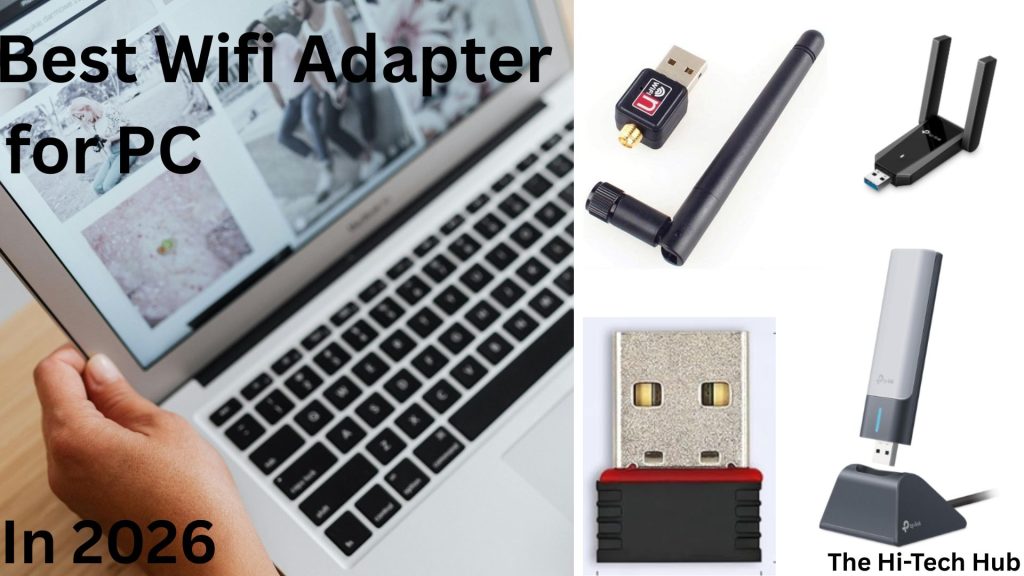
A wifi adapter is one of the most essential gadgets for pc specially desktop. In a desktop, there might not be an adapter through which we can connect internet without an external adapter or an Ethernet cable. There are various types of an adapter. Most of the avilable of adapter is wireless wifi adapter. A Wifi adapter helps us connect our desktop or laptop, which do not have a wifi adapter, or if it is broken or not working.
In this blog, you are going to find out about which are the best wireless adapters, how to choose the best wifi adapter, and buying tips, along with FAQ. Wifi adapter helps us to cover long distances of internet connectivity. Wifi adapter plays a vital role in lagging in internet. This guide is specially for Office Work, Gamers, Normal Day-to-Day tasks, and Streamers with a large house. After reading this blog, you will be able to find out how to select the best wifi adapter and find out which are top recommendation. For more content like this please visit our blog TheHi-Tech Hub
Why do we need wifi adapter ?
1. Old computers have less efficient wifi adapters – We need wifi adapter because older computers, Pc’s have broken or those wifi adapter throught which wifi get slower Wi-Fi, and the computer lags.

2. USB Adapter VS Internal Cards – Built-in internal cards can be slower, and it is expensive to upgrade, so upgrading an external USB adapter is more effective and more efficient with less cost.
3. Higher benefits at the least cost – Using an external wifi adapter makes the computer more beneficial than upgrading the internal wifi card. It is cheaper and makes the computer’s internet speed faster. It also has a higher range than an internal card.
4. Compatibility – We can buy the wifi adapter having compatible with most of the operating systems. Like old computers, there might be only one operating system compatible, but today’s wifi adapter comes with a larger number of OS compatible.
How to pick the best wifi adapter ?
There are various factor which affects the performance of internet speed in a computer. The factors which affects internet speed are as following:
1. Factors Affecting Wifi Speed.
- Speed & Performance – Wifi adapter usually comes with speed written in its outer box, e.g. 300mb/s. This means that the maximum capacity of wifi adapter is 30 megabits per second.
- Range Antenna – In some of the wireless wifi adapter, they have antenna. Some of they do not have. You should chose those adapter which have antenna with long range. This will make wifi speed much faster and works with long range.
- Technology compatibility – Buy the wifi adapter which is compatible with wifi5 and also with wifi6. Also see which one it supports 2.4G or 5G.
- Easy to setup – Get the adapter which have easy to setup and have pre installed driver in adapter ifself or in difference installation media.
Best WiFi Adapters for PC:
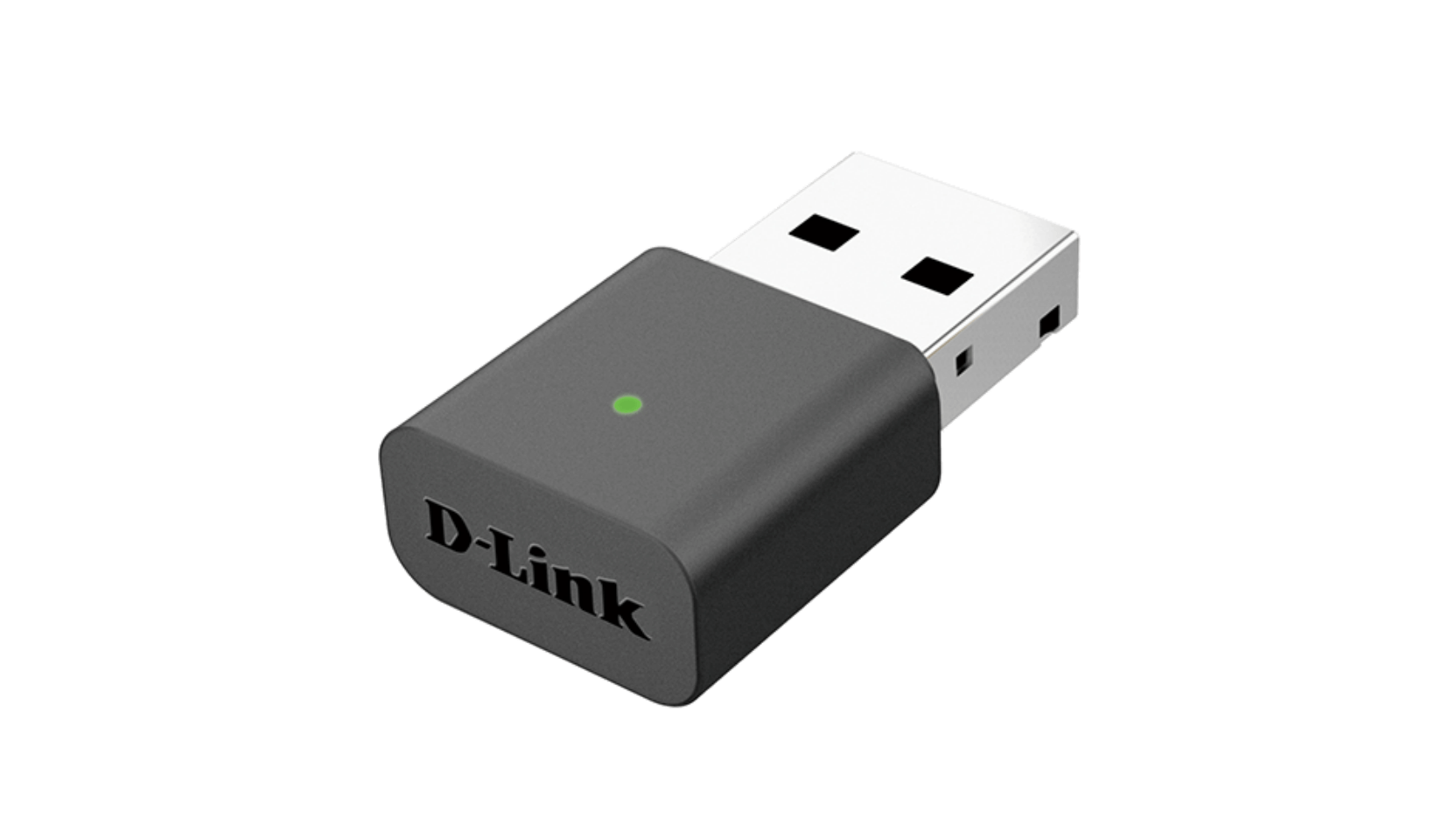
1. D-Link (AC1300)
- Brand: D-link
- Model: AC1300
- Speed: 300mb/s
- OS: Windows-10/11
- Technology: 2.4G/5G
- Driver: WPA3
- For: Office, Day-to-Day
- Price: $ 22.09
2. Archer TX200+
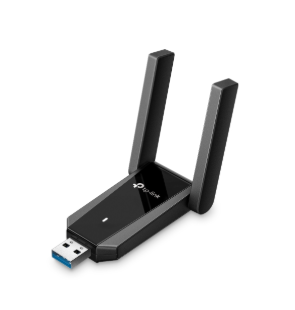
- Brand: TP-link
- Model: Archer TX20U Plus
- Speed: 1800/s
- OS: Windows-10/11
- Technology: 2.4G/5G
- Driver: Not Included
- For – Gaming, Streaming
- Price – 24.72$
3. DWS - AC600
- Brand: DWS
- Model: AC600
- Speed: 600mb/s
- OS: MacOS
- Technology: 2.4G/5G
- Driver: Not Included
- For – Gaming, Streaming
- Price – See-by-clicking-buy-now
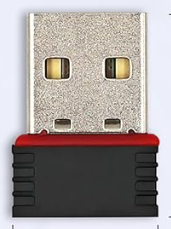
4. Eiszuso
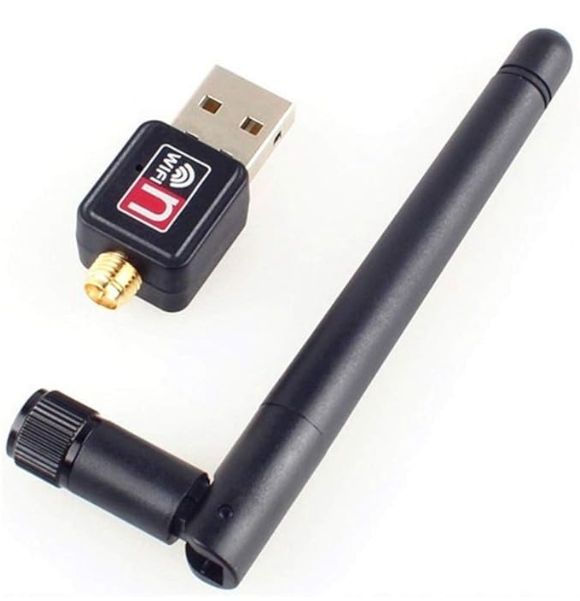
- Brand: Eiszuso
- Model: N/A
- Speed: 150mb/s
- OS: Windows
- Technology: 2.4G
- Driver: Not Included
- For – Small Work
- Price – $ 5.99
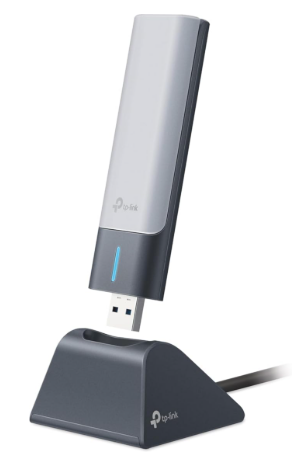
5. TP-link (AX1800)
- Brand:TP-link
- Model: AX1800
- Speed: 1800mb/s
- OS: Windows-10/11
- Technology: 2.4G/5G
- Driver: Not Included
- For – Gaming, Streaming
- Price – $ 36.64
Conclusion:
Wireless wifi adapter is one of the most useful devices of this time, through which we can easily boost our internet performance. Various factors affect the performance of the internet, such as speed, performance, range, antenna, technology, and ease of setup. There are five wirelss wifi adapter which are listed above. Our team has listed those adapters that are best according to the use listed. You can choose one of the wifi adapter according to your use. These adapters help you improve your internet productivity, speed, and make your experience overall better.
Does this affect in our internet speed ?
Yes, it does when you buy a good and better wireless wifi adapter if you already have one inside your computer or PC.
Is this more expensive ?
No, This is more cheaper than internal wifi card. The built in wifi adapter is way more expensive than external.
Which wireless wifi adapter is best for me ?
Our team has already defined a way to choose the best wireless WiFi adapter, and we have also selected the best adapter and arranged them according to their customer usage.
Table of Contents
Toggle